The Motives Explorer explained properly
Motives is not just a list of picks. It is a way to read the structure of a match: narrative, profile, stability, trust band, and cluster behavior.
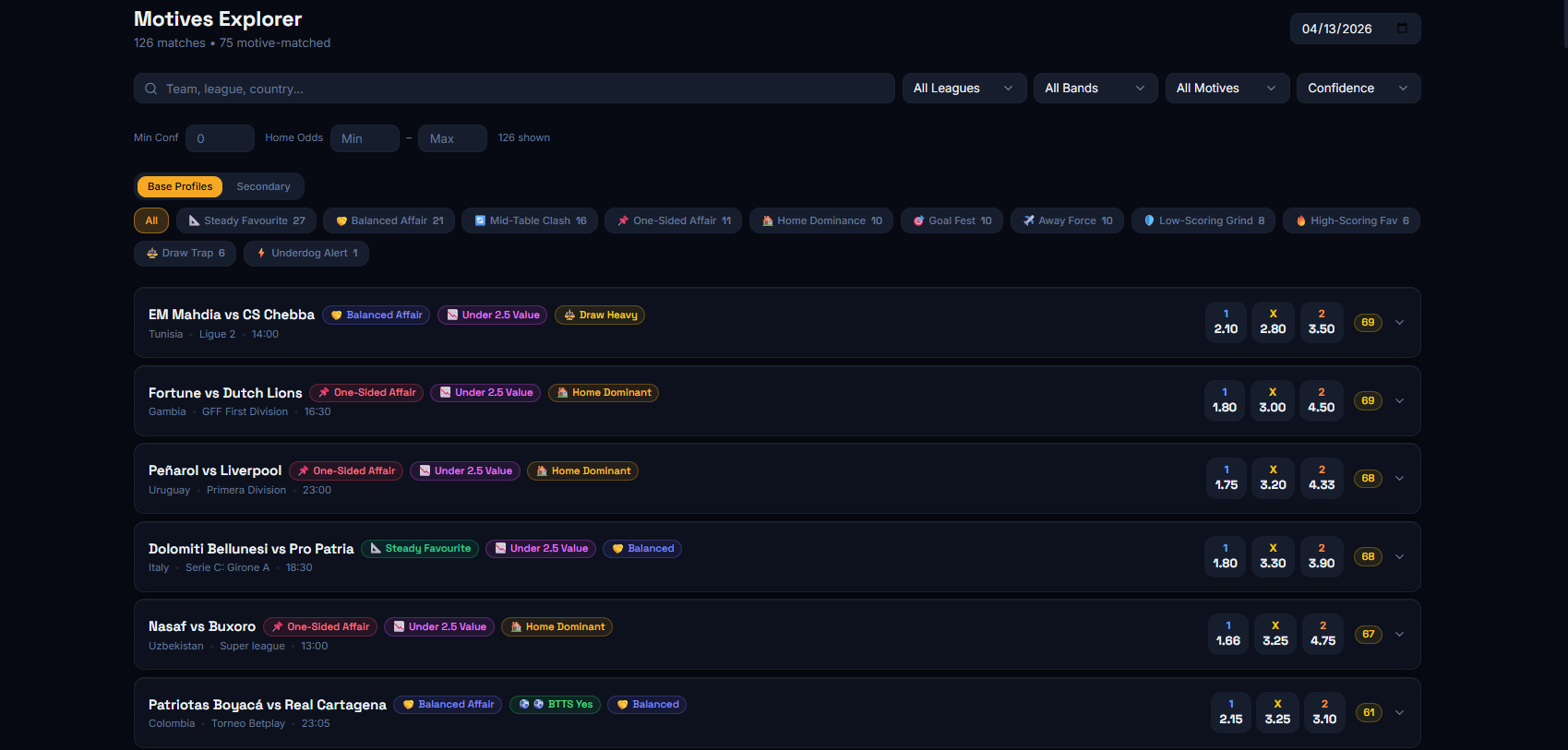
What you see on the first screen
- You see matches that carry motive matching and motive labels
- Base Profiles and Secondary angles give you a more immediate narrative of the match
- The confidence score and odds help you filter quickly
Base Profiles
Base profiles are the core story of the match. You do not need the whole code on the site. You need the user to understand what type of game the model is showing.
Σκέψου τα σαν match narratives: σφιχτό αμυντικό παιχνίδι, balanced affair, one-sided πίεση, home dominance, draw-heavy structure κλπ. Βοηθούν τον χρήστη να καταλάβει το shape του αγώνα πριν καν ανοίξει τις λεπτομέρειες.
Stats tab
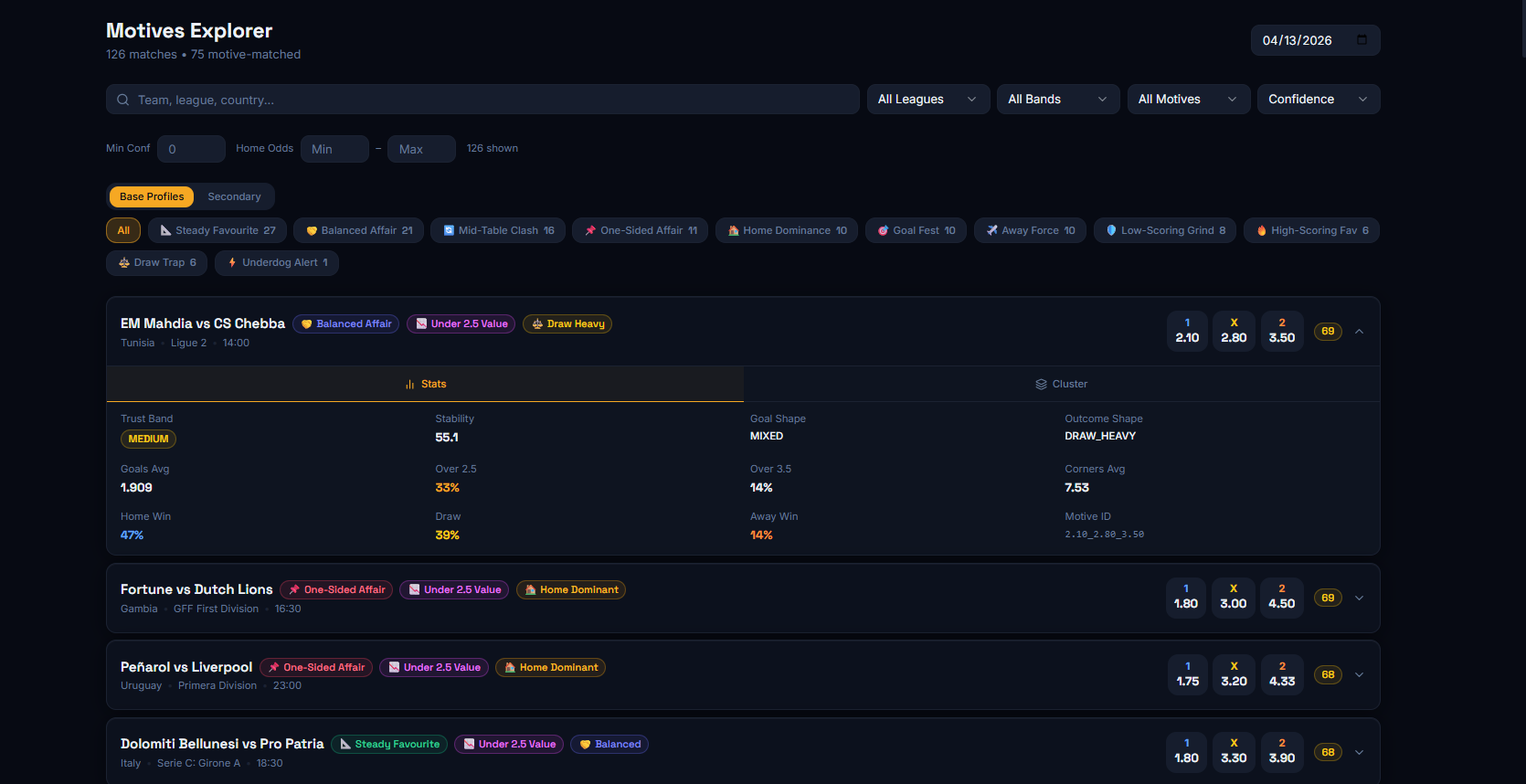
When you open a match and go to the Stats tab, you see the numerical backbone behind the profile: trust band, stability, goals average, rates, and outcome shape.
- Trust Band = how safe or loose the match type is
- Stability = how consistently that behavior appears
- Goal / outcome metrics = the underlying statistical structure
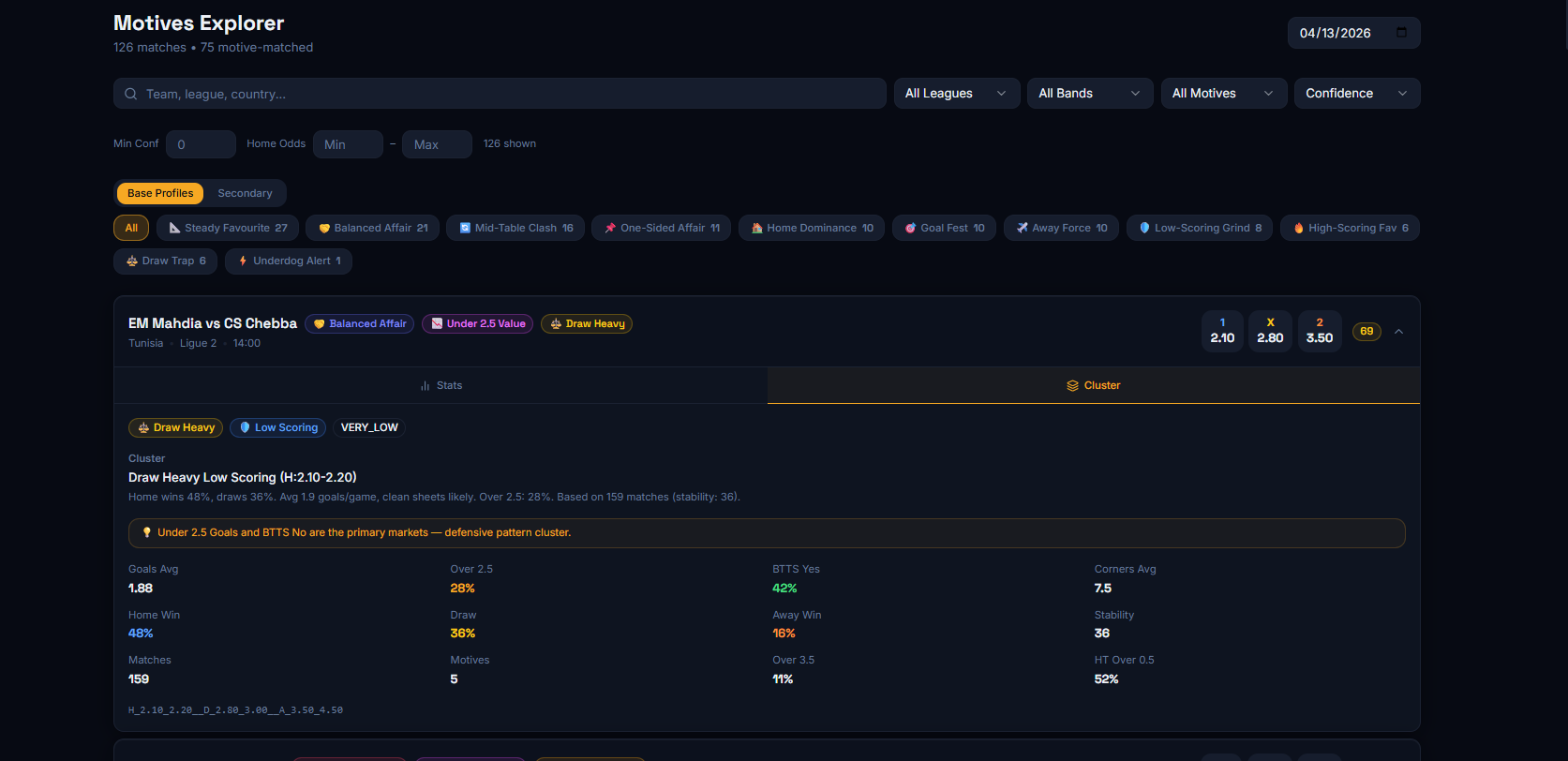
Cluster tab
The Cluster tab is the deeper layer. It shows more than labels. It shows the pattern family the match belongs to: averages, how many matches support it, how stable it is, and which markets connect more strongly to it.
Do not read it like an absolute command. Read it as the explanation for why the model sees the match that way.
How to use it
- Filter by profile or confidence to clean up the list
- Open the match for Stats and Cluster
- Check whether the match story is clear or weak
- Then connect it with xGoals or Match Explorer